One library for all your e-books.

Volunea collects, organizes, reads, converts and transfers e-books on your Mac. The library stays on your computer, and you don't need an account.

macOS 14 or later · universal build for Apple silicon and Intel · Volunea Free is free permanently. Version 1.0 has not been released yet.

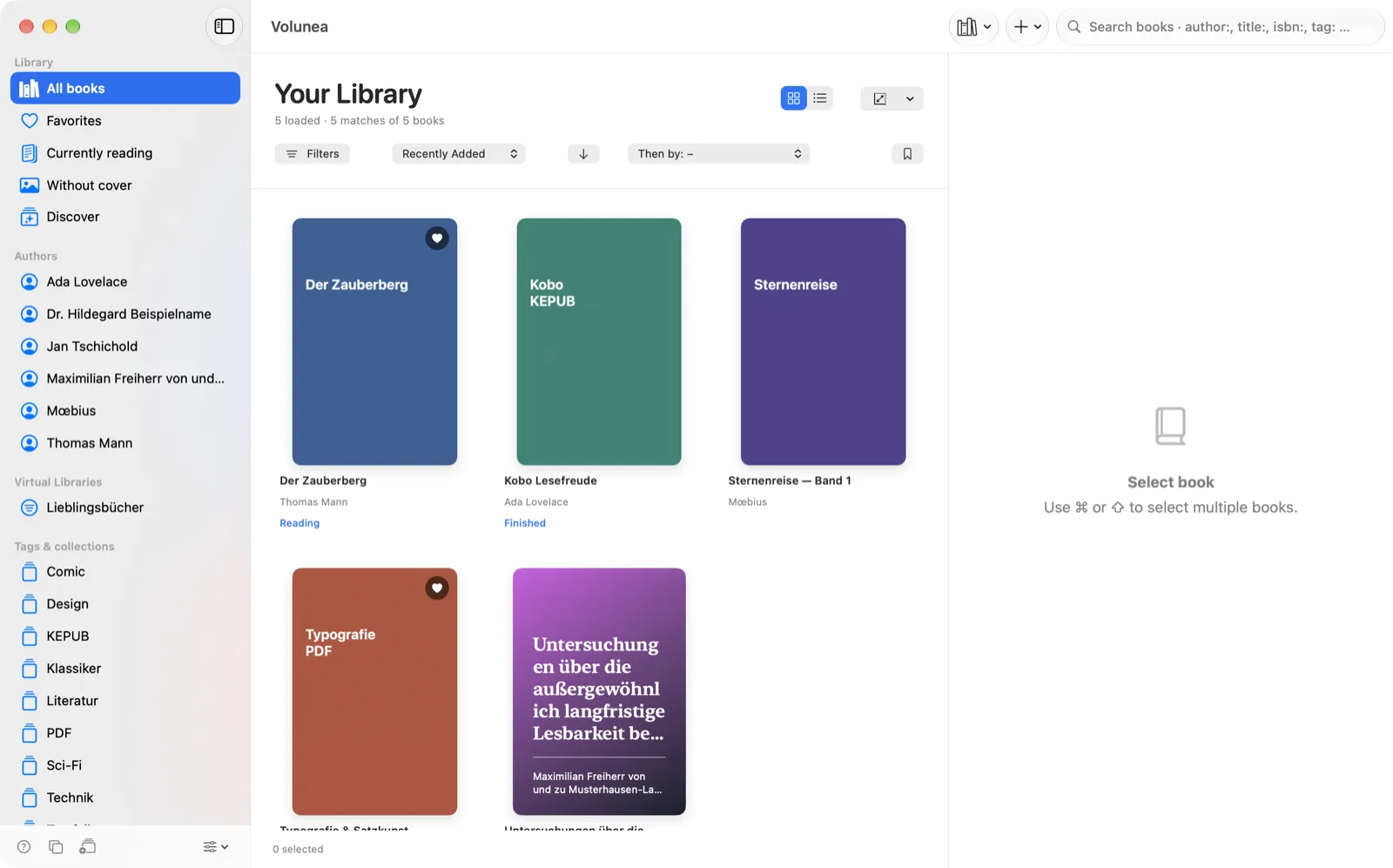
Volunea main window: the sidebar with authors, collections and tags on the left, a grid of covers in the middle, and the detail pane for “The Magic Mountain” on the right.
The main window with a small sample library: sidebar, cover grid and detail pane.

For people with a real collection

Volunea is for anyone who keeps EPUB, PDF or Kindle files without copy protection on a Mac and doesn't want to depend on an account or a cloud.

Conversion and the EPUB editor are built in. You install no add-on programs, hunt for no plug-ins and open no second window just to convert a file.

If you already keep a library in another e-book program, you import it once. Volunea only reads the source and never changes it.

Drag your books in

Drop files or whole folders into the window. Volunea reads title, author and cover from the files where they are present. You can find duplicate books in the library.

An existing library from another e-book program can be imported once, including notes. The source stays untouched.
Order on your terms

The sidebar groups the collection by author, series, tag and collection. Virtual libraries store filters, for example for favorites. Full-text search also looks inside the books.

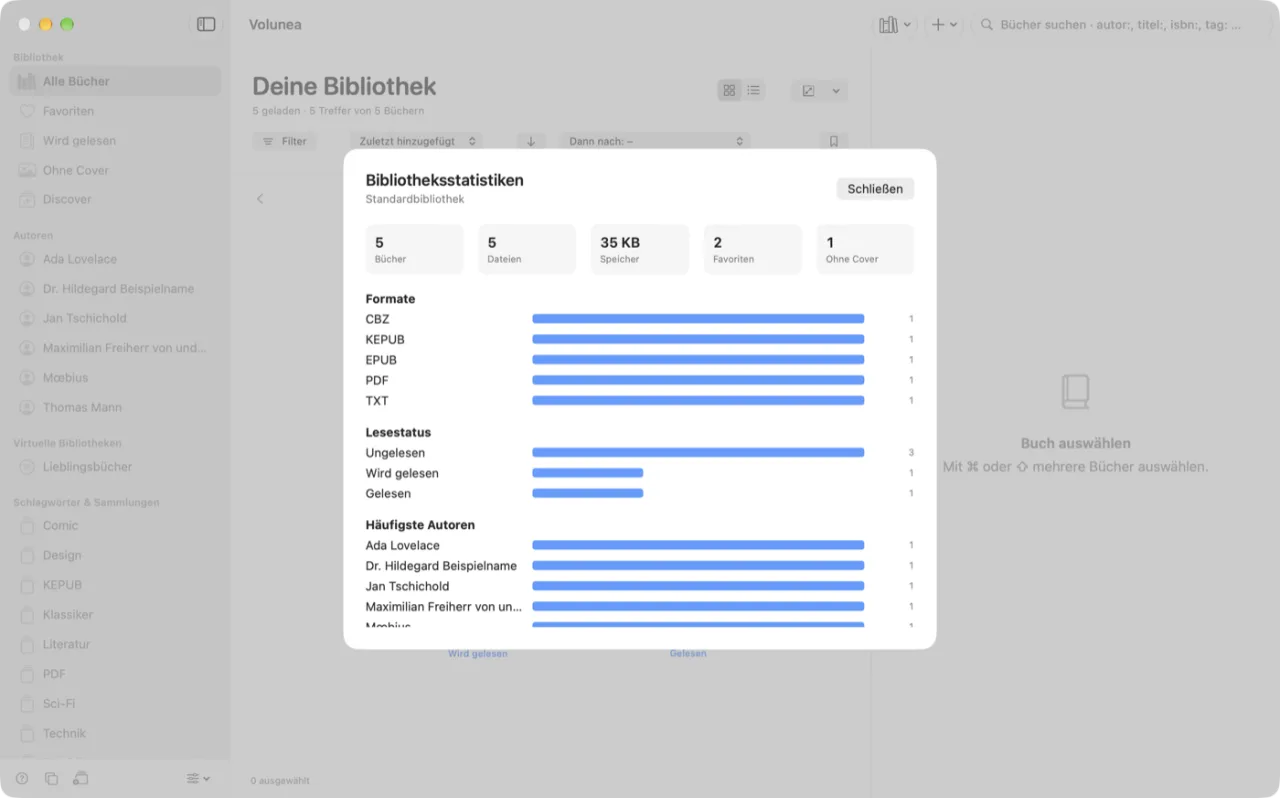
You switch between cover grid and list. The statistics show which formats and authors are in the collection and how much you have read.

“Library statistics” window with counts for books and storage, and bars for formats, reading status and most frequent authors.
Library statistics for the sample library.

Keep metadata and covers tidy

You edit single books in Volunea Free. The table view shows columns you choose, so gaps stand out at once.

With Volunea Pro you edit many books at a time and set rules that clean up metadata automatically. Volunea fetches online metadata only when you ask it to.

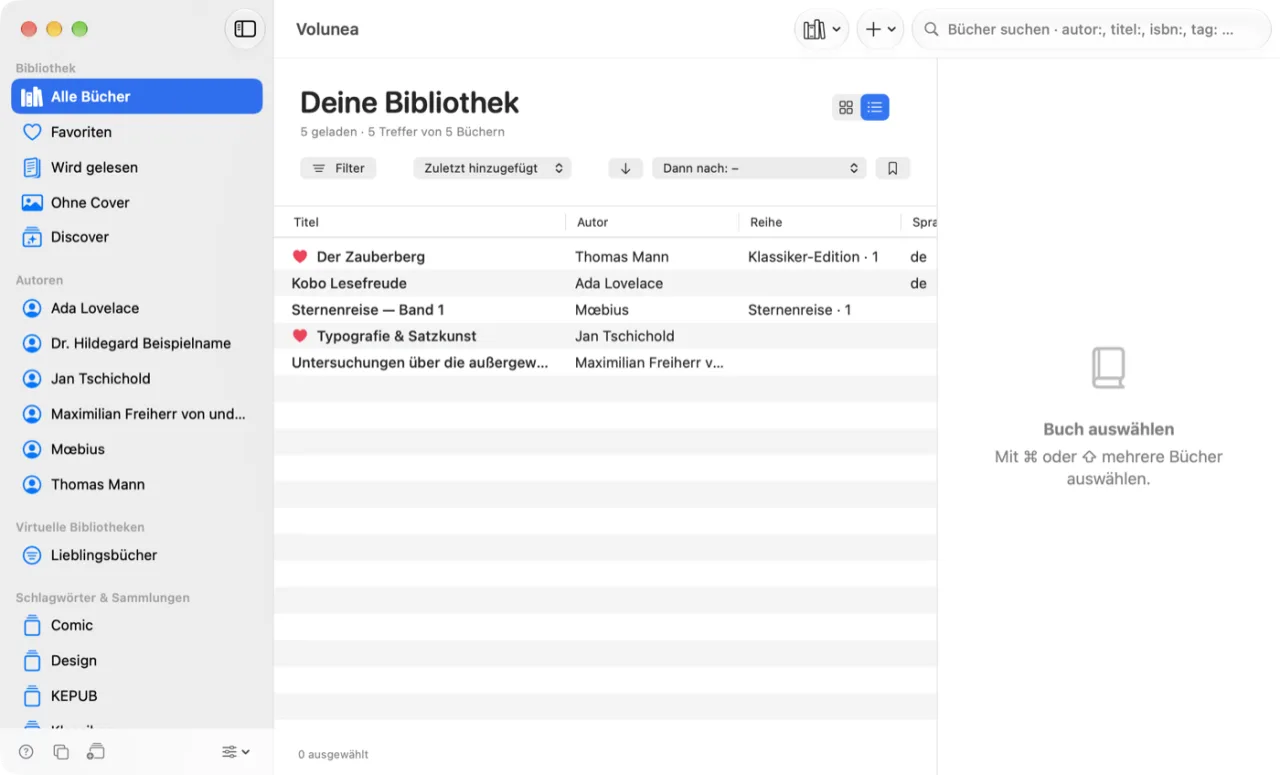
Volunea in table view with the columns title, author and series.
Table view with selectable columns.

Read without switching apps

The built-in reader opens EPUB, KEPUB, PDF, TXT and CBZ comics. You choose the typeface, set bookmarks, highlight passages and write notes. Volunea can read text aloud and recognizes text in scanned PDFs on your Mac.

Convert and edit Pro

Volunea converts e-books between several formats, one at a time or in batches. The original file stays untouched.

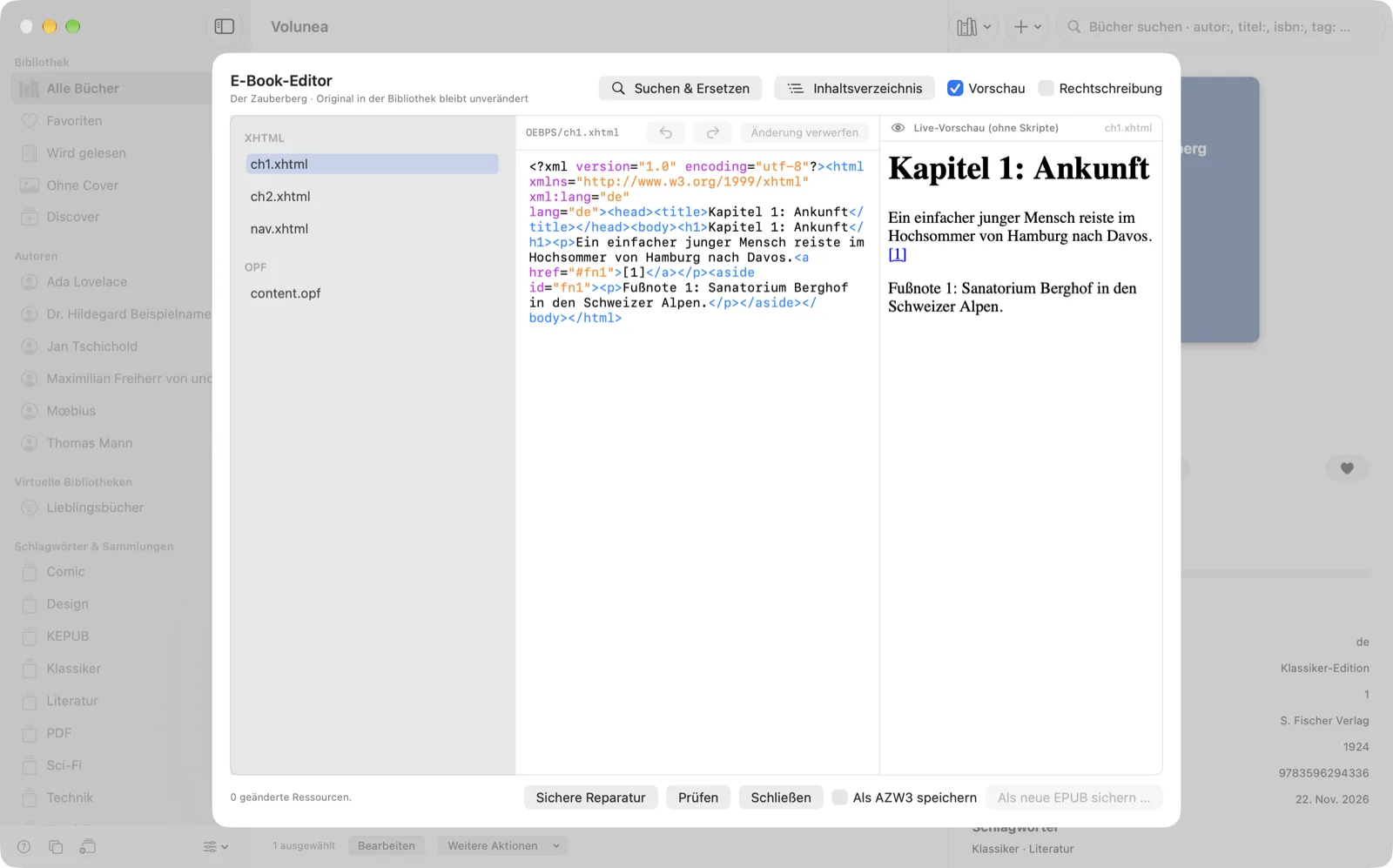
The EPUB editor shows file list, source and live preview side by side. It has a table-of-contents editor, find and replace, and a structure check. It saves as a new copy. The file formats page lists which conversions are possible.

E-book editor with a file list, the XHTML source of chapter 1 and a live preview.
The EPUB editor with source and live preview.

Send books to your e-reader Pro

Volunea sends books to Kobo, Kindle and PocketBook over USB. For Kobo it converts EPUB to KEPUB when needed and can compare reading progress and collections. Highlights from Kindle notes can be imported into the library.

Tests with real e-readers are not finished yet. The current state is listed on the e-readers page.

Back up and stay independent

Export, backup and restore are part of Volunea Free. If a Pro subscription ends, you keep your library and all your books. Volunea needs no account and sends no usage data. The app fetches updates from this website and transmits no library data while doing so.

Start free, add Pro when you need it

Volunea Free

€0permanently

Library management, import, editing single books' metadata, reader, export, backup and restore.

Volunea Pro

from €0.99per month or €4.99 per year, incl. VAT

Conversion, EPUB editor, batch editing, metadata rules, multiple libraries, e-reader transfer, OPDS server and news feeds.

Comparison and terms

Download and requirements

Volunea runs on macOS 14 (Sonoma) or later, on Apple silicon and Intel Macs. The app is distributed as a signed and notarized disk image.

Volunea 1.0 has not been released yet. Download and purchase open once the signed and notarized version is ready. This notice stays visible until then.

Go to downloadInstallation guide